Film overlay & EXIF watermark borders
Turn any photo into a film frame.
Two ways to frame it: drop your photo into one of 85+ real scanned 35mm film overlays, or wrap it in an EXIF watermark border — camera, lens, aperture, ISO, date and GPS. Pick a style, fine-tune the text, export a shareable JPG or PNG. Everything runs in your browser; nothing is uploaded.
FrameGen Studio
Photo metadata framer
Live preview
Gallery-grade photo frame
Examples
Made in the browser, in seconds.

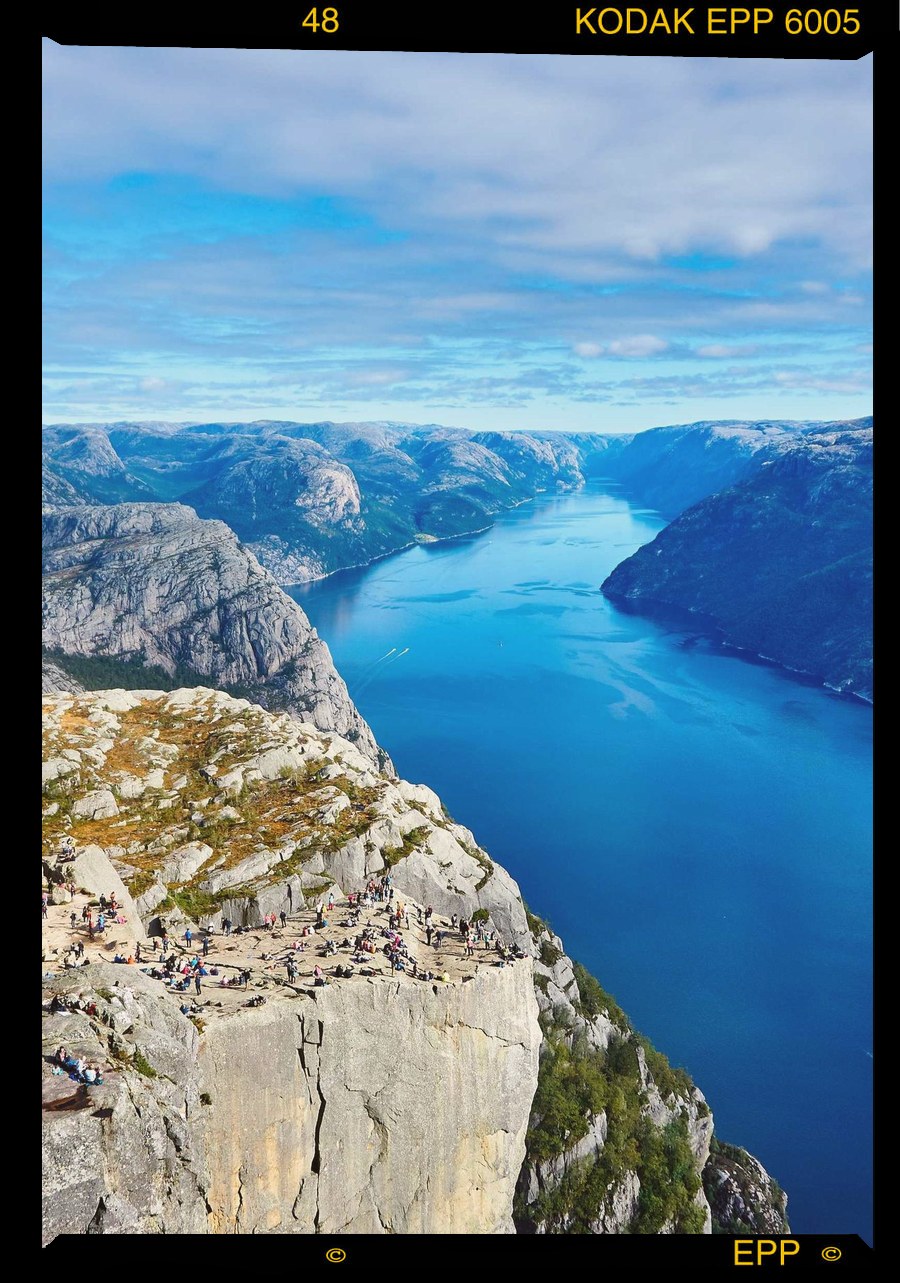
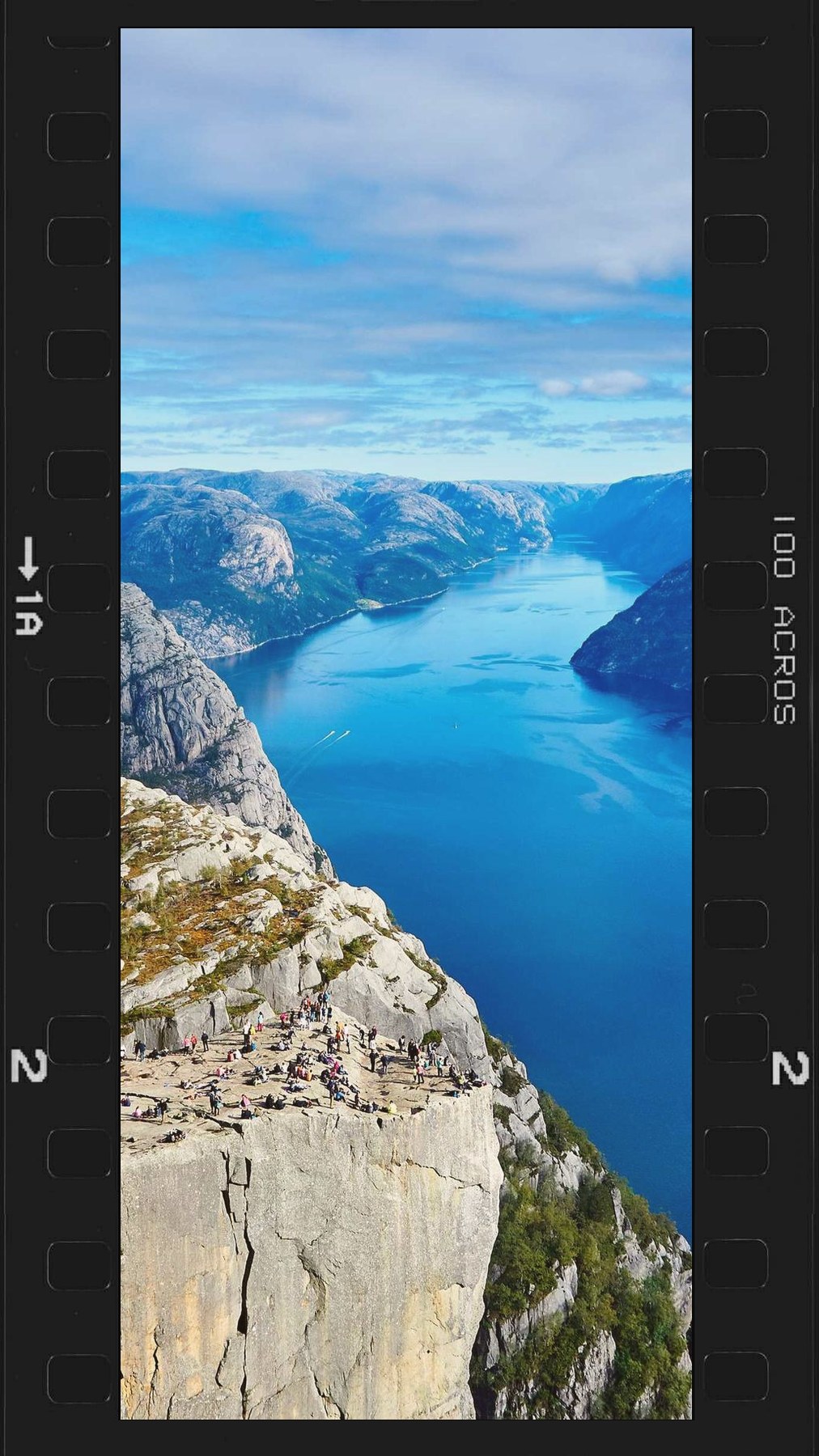
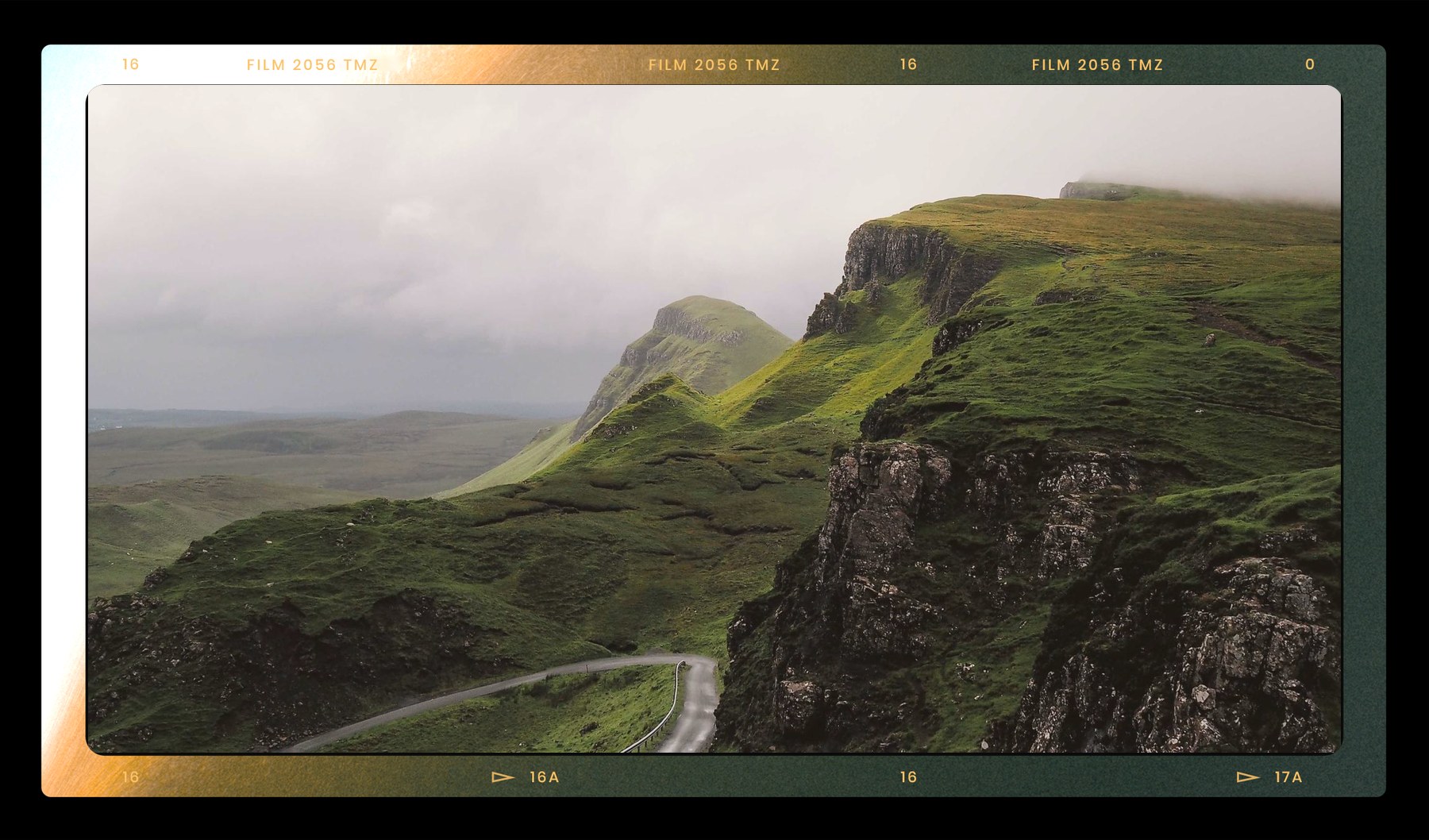

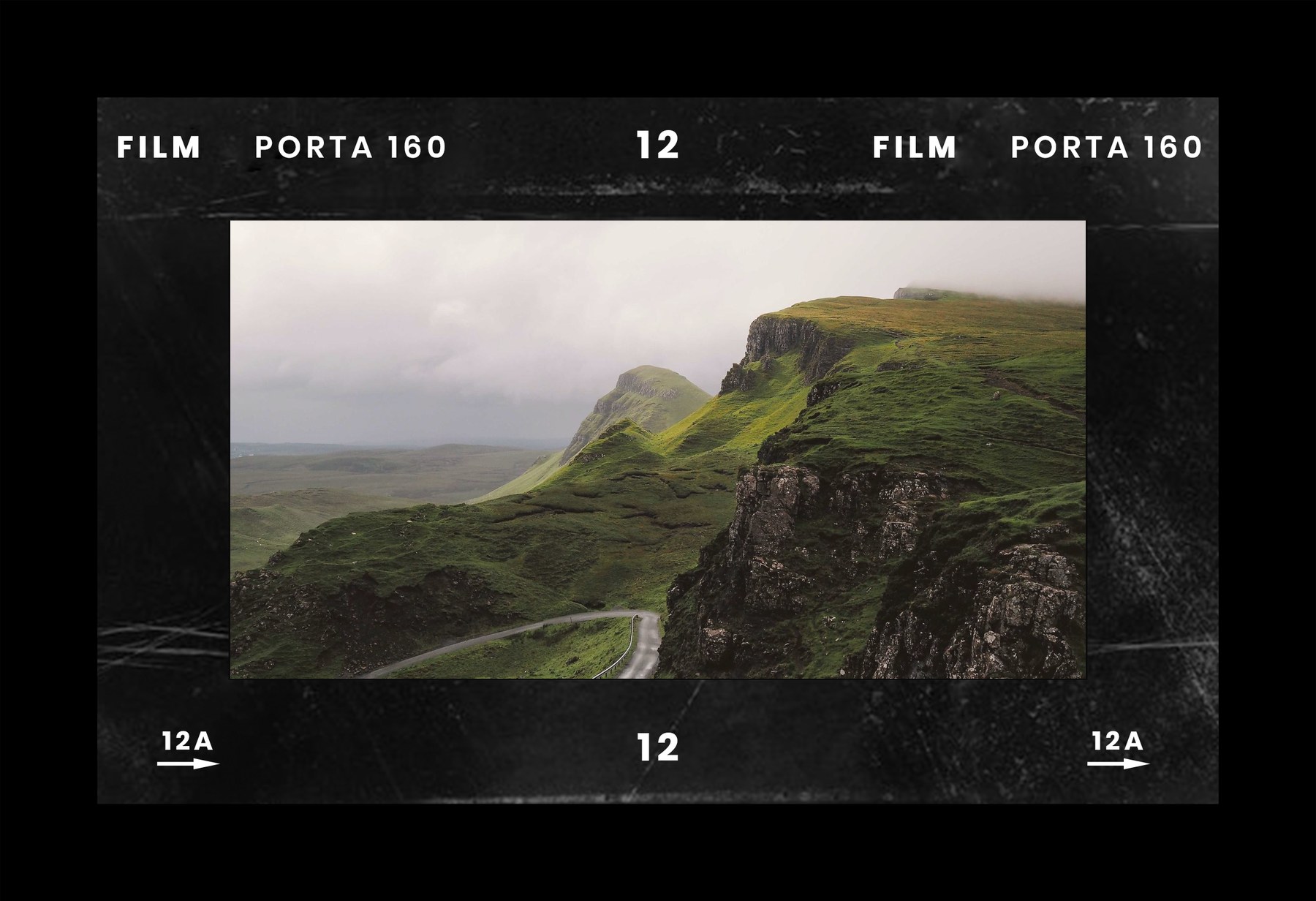
Six frame styles
Real 35mm film overlays, or EXIF watermark borders.
Scan
85+ real scanned 35mm film borders — your photo drops into the frame window with authentic perforations, edge printing and grain.
Film
A procedural 35mm strip: continuous sprockets, a rebate frame line, vignette, and amber edge text with frame numbers.
Brand
A camera wordmark above the frame with a film / lens credit below — the classic film-shooter look.
Card
A Pantone-style info bar with device, GPS, and colour chips pulled from the photo.
Corners
A technical four-corner layout with the full EXIF set running along the edges.
Poster
A magazine treatment: a data strip up top and a large serif location title below.
Your photo never leaves your device — EXIF is read locally and every field is editable, so you can correct or remove anything (including GPS) before you export.
For pros
Want pro-grade film presets & LUTs?
FrameGen ships a curated set of one-tap film looks. For a full professional library of presets and colour grading, explore PresetCan.
Explore PresetCan ↗FAQ
Questions
- What is a film frame or EXIF photo watermark?
- It is a border that wraps your photo to look like a scanned film negative or a camera print, often stamped with the shooting data — camera, lens, aperture, shutter, ISO, date. FrameGen composites your photo into the frame and pulls that data straight from the file’s EXIF.
- Does it work with film scans that have no EXIF?
- Yes. Film scans usually carry no camera EXIF, so every field is editable and there are quick-pick lists of common film cameras and stocks — type or tap, and it lands on the frame.
- Is my photo uploaded to a server?
- No. Everything runs in your browser on HTML5 Canvas. Your photo and its EXIF never leave your device, and GPS is fully editable or removable before you export.
- What can I export?
- A flat JPG or PNG of the framed photo, rendered at high resolution — ready for Instagram, Xiaohongshu (小红书), or printing.
- How many film frames are there?
- There are 85+ real scanned 35mm film borders in the Scan style, plus procedural Film, Brand, Card, Corners and Poster styles — and a dot-matrix label font for the Nothing-style look.