Workflow
Export a frame in four steps.
Pick the frame mode
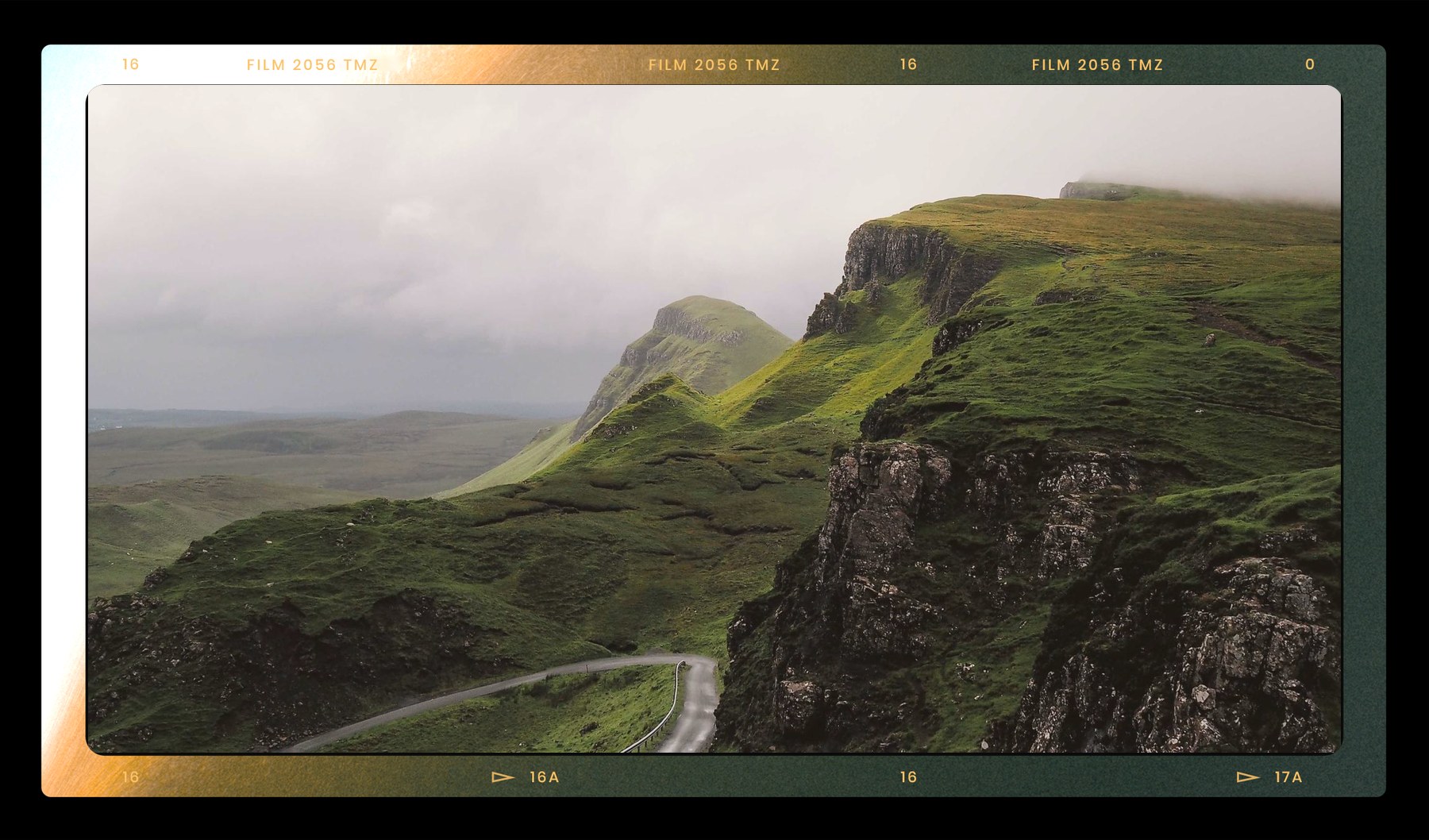
Letterbox for clean cinematic mattes, or Film Border for sprocket-style overlays.
Choose the delivery size
Start from TikTok, YouTube, square, 21:9, 5120x1080, or enter a custom size.
Tune the border
Adjust border weight and corner radius while the preview updates live.
Download the PNG
Drop the transparent PNG on the top track of your editing timeline.
Compatible video editors
FrameGen PNG overlays respect alpha transparency, so they import cleanly into Premiere Pro, DaVinci Resolve, Final Cut Pro, After Effects, CapCut, VN Video Editor, InShot, OBS, and livestream switching workflows.
Delivery suggestions
- Use thin mattes for narrative projects where titles sit inside the frame.
- Use Film Border mode for vintage edits, creator packs, and social overlays.
- Use custom sizes when a platform, LED wall, or client deck needs exact dimensions.
FAQ
- Will the PNG work in mobile editing apps?
- Yes. Exported files are lightweight and keep their transparency, so they drop onto CapCut, VN, and InShot timelines with no extra blending steps.
- Can I customize sizes?
- Yes. Use the width and height fields to generate custom transparent PNG frames for non-standard ratios and exact client specs.